
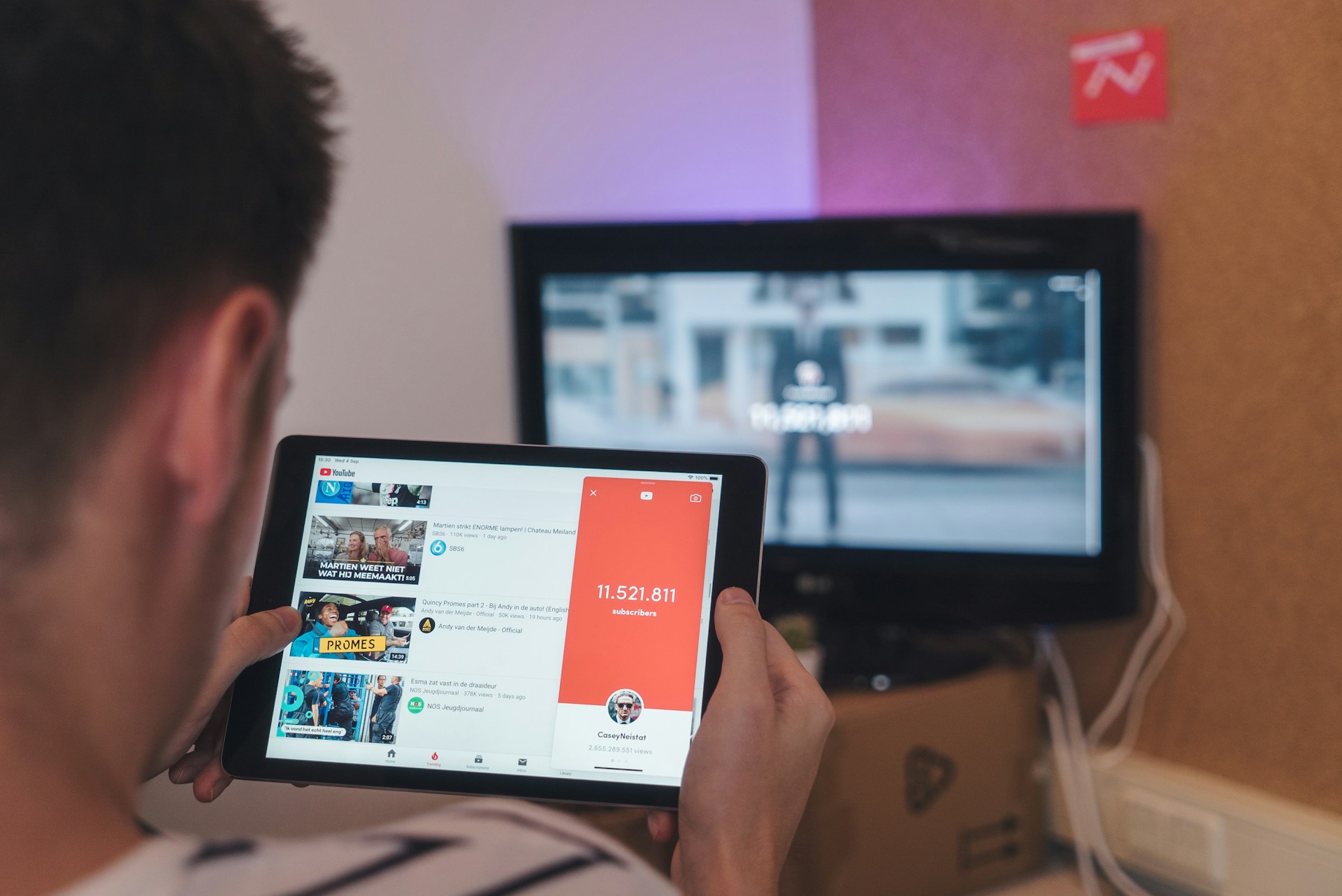
The AI Editing Tools to Help You Become a Top YouTuber in 2025
YouTube is a place where creativity meets fame. If you want to start becoming a top YouTuber, mastering your editing game is a must. Thanks to advancements in artificial intelligence, there are now tools that can help you streamline your editing process, enhance the quality of your videos, and even make your content stand out without needing an army of editors. Let’s explore the best AI tools to elevate your YouTube content in 2025.
AI-Powered Video Editing With Adobe Premiere Pro

Adobe Premiere Pro has long been a staple for video editing, but its AI-powered features make it even more powerful in 2025. With tools like Auto Reframe, Adobe uses machine learning to crop and adjust your footage for various aspect ratios automatically, so your video fits perfectly on YouTube, Instagram, or TikTok. Additionally, the Scene Edit Detection feature, powered by Adobe Sensei, helps quickly cut out unnecessary parts of the video, saving time during the editing process. For creators who need to produce videos fast while maintaining high production quality, Adobe’s AI-enhanced tools offer a significant edge.
AI Video Enhancement With Topaz Video AI
Video enhancement is essential when you want to make sure every detail of your footage shines. Topaz Video AI uses machine learning to upscale videos, remove noise, and enhance resolution. Whether you’re working with low-quality footage or just want to make sure your videos look crisp and sharp, Topaz’s AI tool can be your ace. It can upscale video resolution up to 8K, making older or lower-resolution footage look stunning. This tool is perfect for YouTubers who want to improve the quality of their past videos or make their content look more polished. With AI-based video enhancement, your footage will maintain clarity and vibrancy even on larger screens.
AI-Driven Audio Editing With Descript
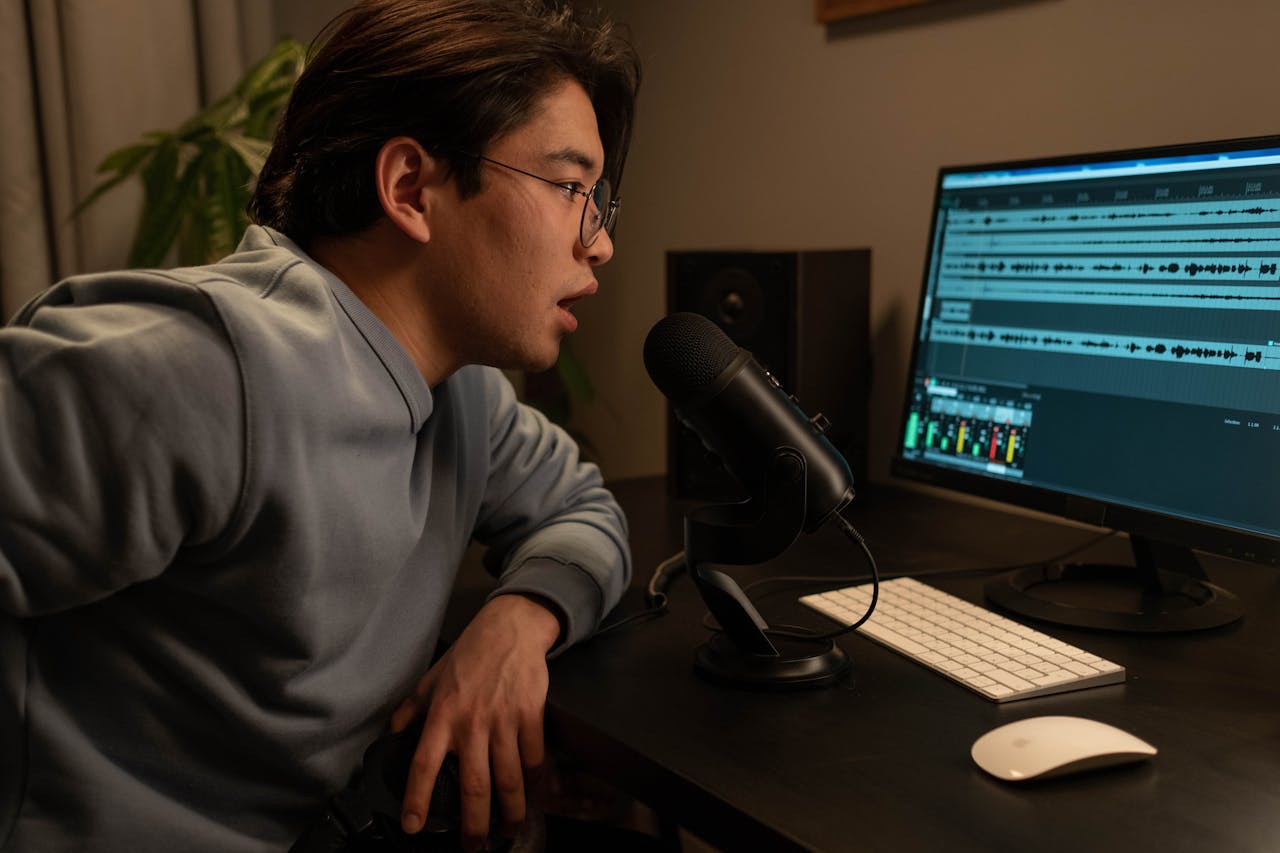
Your video’s audio is just as important as the visuals. Descript’s Overdub feature lets you create a synthetic version of your voice, allowing you to correct or re-record parts of your script without having to record new audio manually. The Multitrack Editing feature uses AI to separate different audio sources, making it easier to adjust background music, voiceovers, and sound effects.
AI-Enhanced Thumbnails With Canva
Your thumbnail is often the first thing viewers see when browsing YouTube, so making it stand out is crucial. Canva’s AI-driven design features help you create eye-catching thumbnails with minimal effort. Using templates and smart resize features, you can adjust your thumbnails for optimal performance on YouTube’s platform. Canva’s AI will also recommend design elements based on trends, giving you an edge in creating visually appealing thumbnails. Thumbnails are critical for grabbing attention, and Canva’s AI can suggest design elements and styles that increase your chances of getting noticed. It’s a perfect tool for creators looking to maximize engagement.
If you’re serious about becoming a top YouTuber, incorporating AI into your editing process can give you the edge you need to stand out in an increasingly crowded space. These tools are ready to help you save time, enhance your videos, and build a professional brand, all while keeping your budget in check.…